
Records when it matters
Designed to pick up early signs in voices and words and start recording, keeping the 30 seconds that led up to them. Saving continuous recordings is not part of the intended use.
1 October 2026: customer-harassment measures become mandatory

Record calls and ask for help mid-conversation.
Add support for your staff to the phones you already use.
AGEphone Cowork builds on your existing PBX to support customer-harassment measures on the front line.
Counter Guard is still in development. The video shows how it is intended to work.
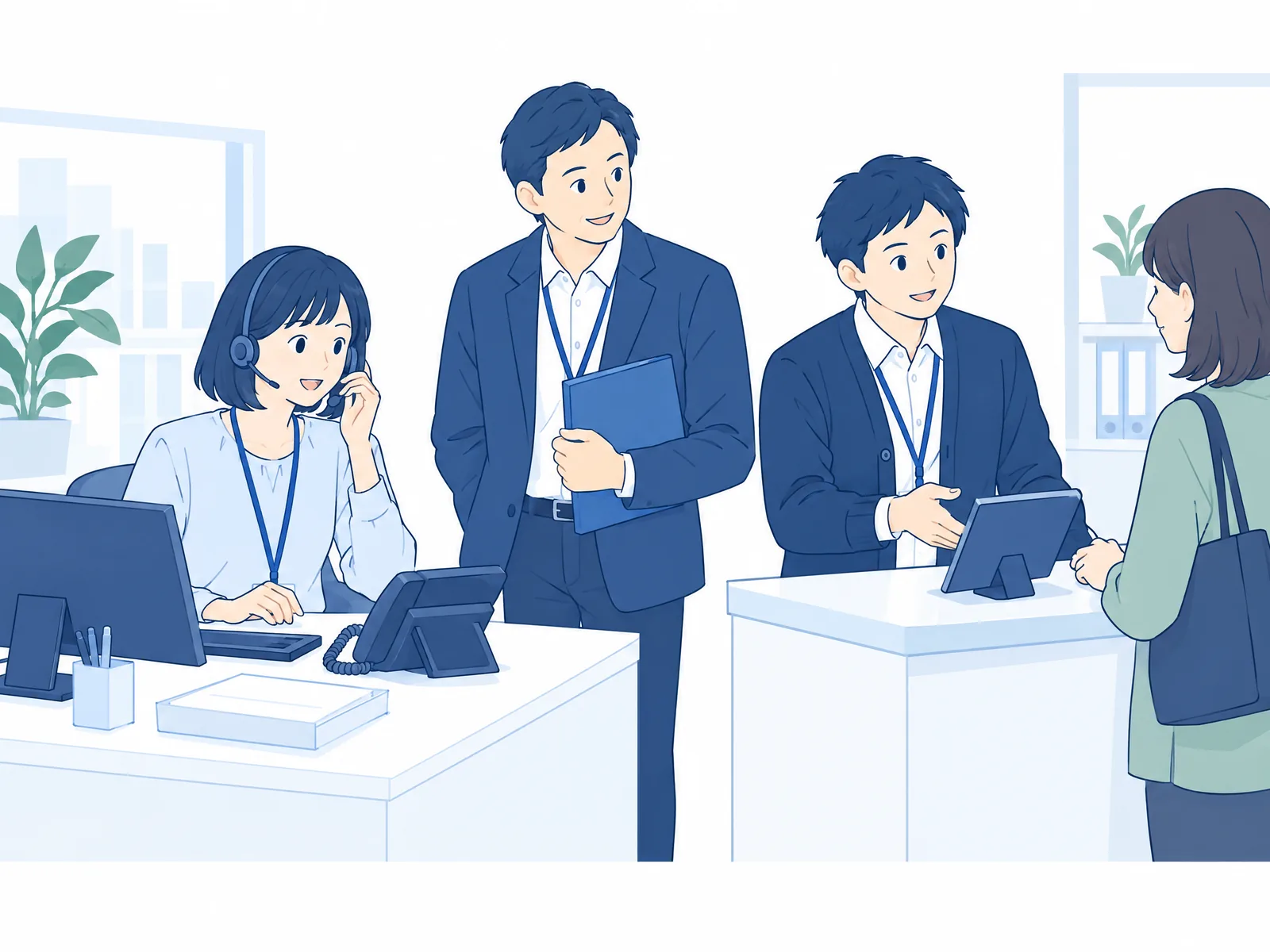
On the line and across the counter.
Never handle it alone
Make no promises on the spot
Keep a record
This demo on real devices shows how Counter Guard picks up early signs at the counter and supports the response.
Preview of a feature in development
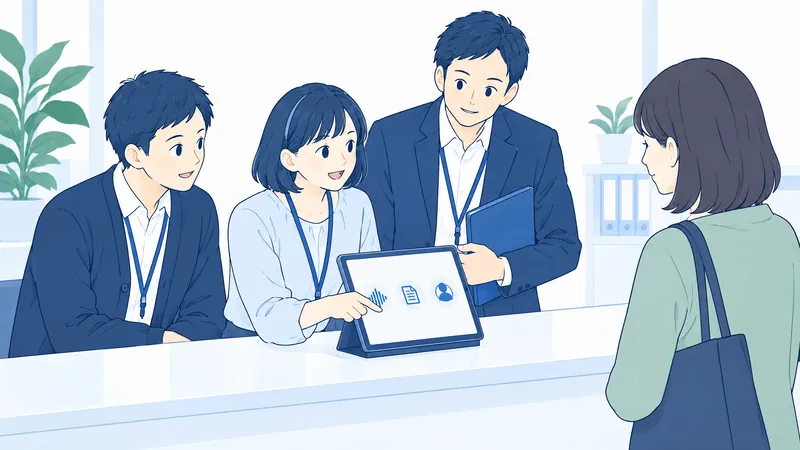
Even with a policy and a manual in place, staff end up carrying it alone if they have nothing they can use in the moment.
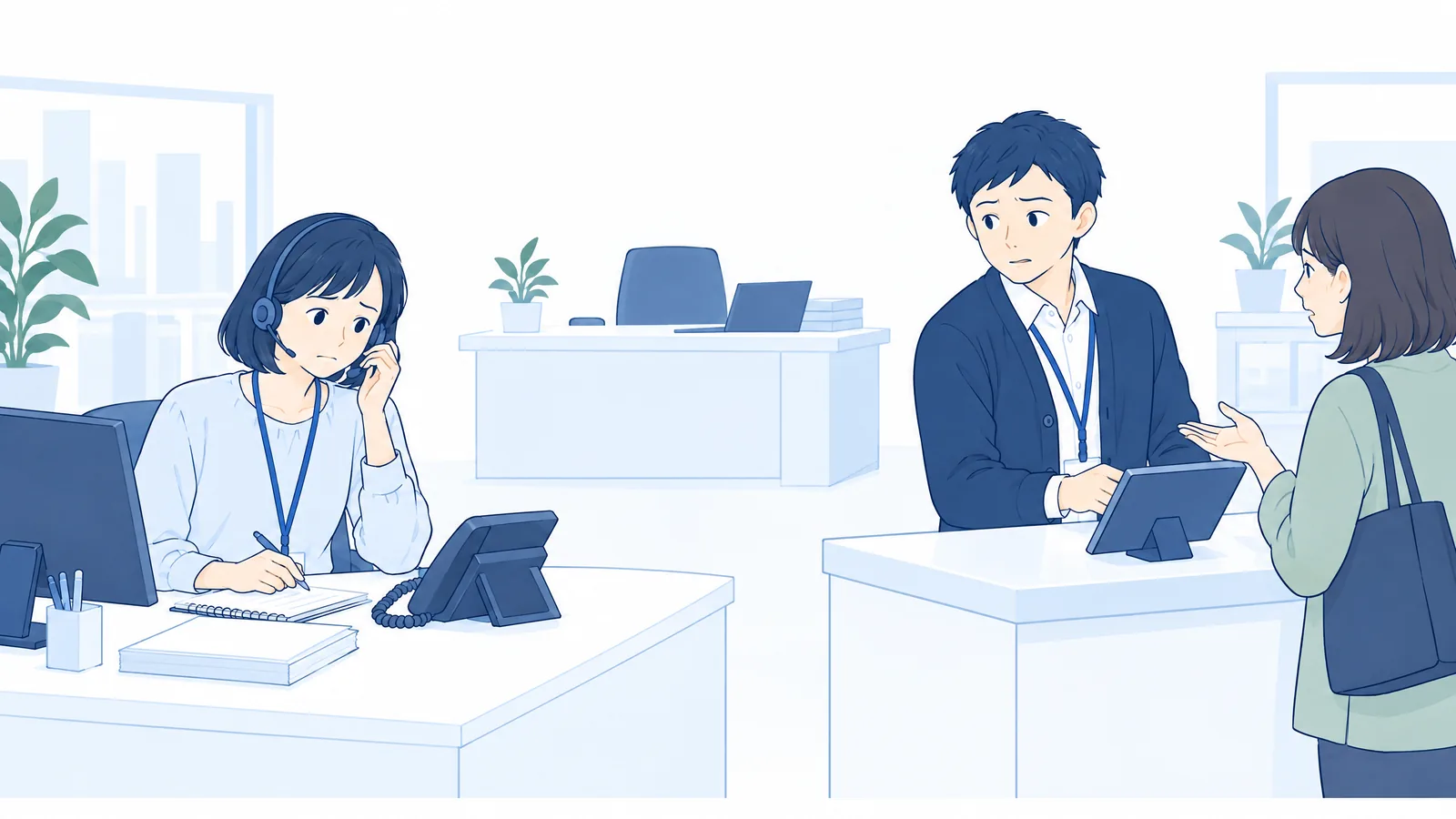
What staff need is a record and backup they can use in the moment.
Under the amended Act on Comprehensive Promotion of Labor Policies, employers in Japan are now required to take employment-management measures to prevent customer harassment, meaning harassment of employees by customers. Organizations need to set and communicate a policy, put a consultation system in place, respond when incidents occur, deal with egregious conduct and protect privacy, among other measures.
| Required measure | How AGEphone Cowork helps | What the employer does |
|---|---|---|
| Setting and communicating a policy | Builds recording and response support into your internal procedures | Drafting the policy, deciding how to respond, communication and training |
| Setting up a consultation system | Lets staff lay out what happened from the call record and consult on it | Setting up the consultation desk, appointing the people who staff it, deciding how the front line gets in touch |
| Establishing the facts and responding when incidents occur | Call recording, transcription and summaries, with Help Mode to support staff during the call | Establishing the facts, deciding on the response, caring for affected staff, preventing recurrence |
| Dealing with egregious conduct | Records how the call unfolded, with Help Mode supporting advice and handover | Setting a policy for such cases, arranging handover to a manager and backup |
| Protecting privacy, and related measures | Set who can view call records and how long recordings are kept | Rules for handling consultations, protecting privacy, prohibiting adverse treatment of staff who seek help and making that known |
AGEphone Cowork is a tool that supports these measures. Deploying it does not by itself satisfy the legal obligation. Counter Guard, which is in development, is not included in this table.
Calls are recorded, and staff who are struggling can get support. You have both facts to check later and help in the moment.
The AI's advice is a guide to support judgment. Final decisions and responses follow your organization's policy.
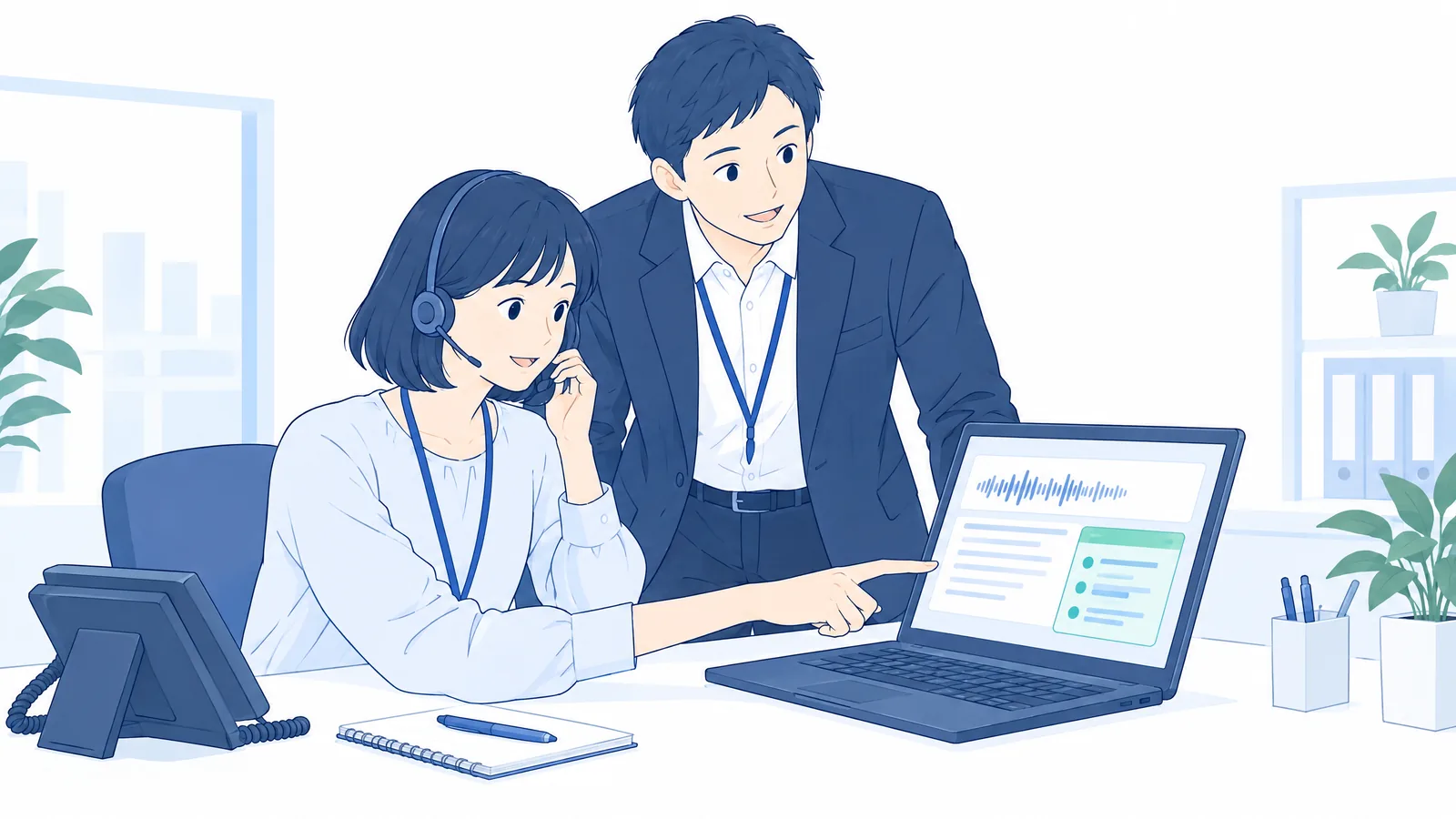
Decide in advance what staff can decide for themselves and what needs a supervisor's confirmation. The recording and support tools then become part of that procedure.
A smartphone or iPad at the counter picks up early signs, makes a record and shows the next step on screen. We are developing features that support staff all the way from calling a supervisor for backup to filing a report.
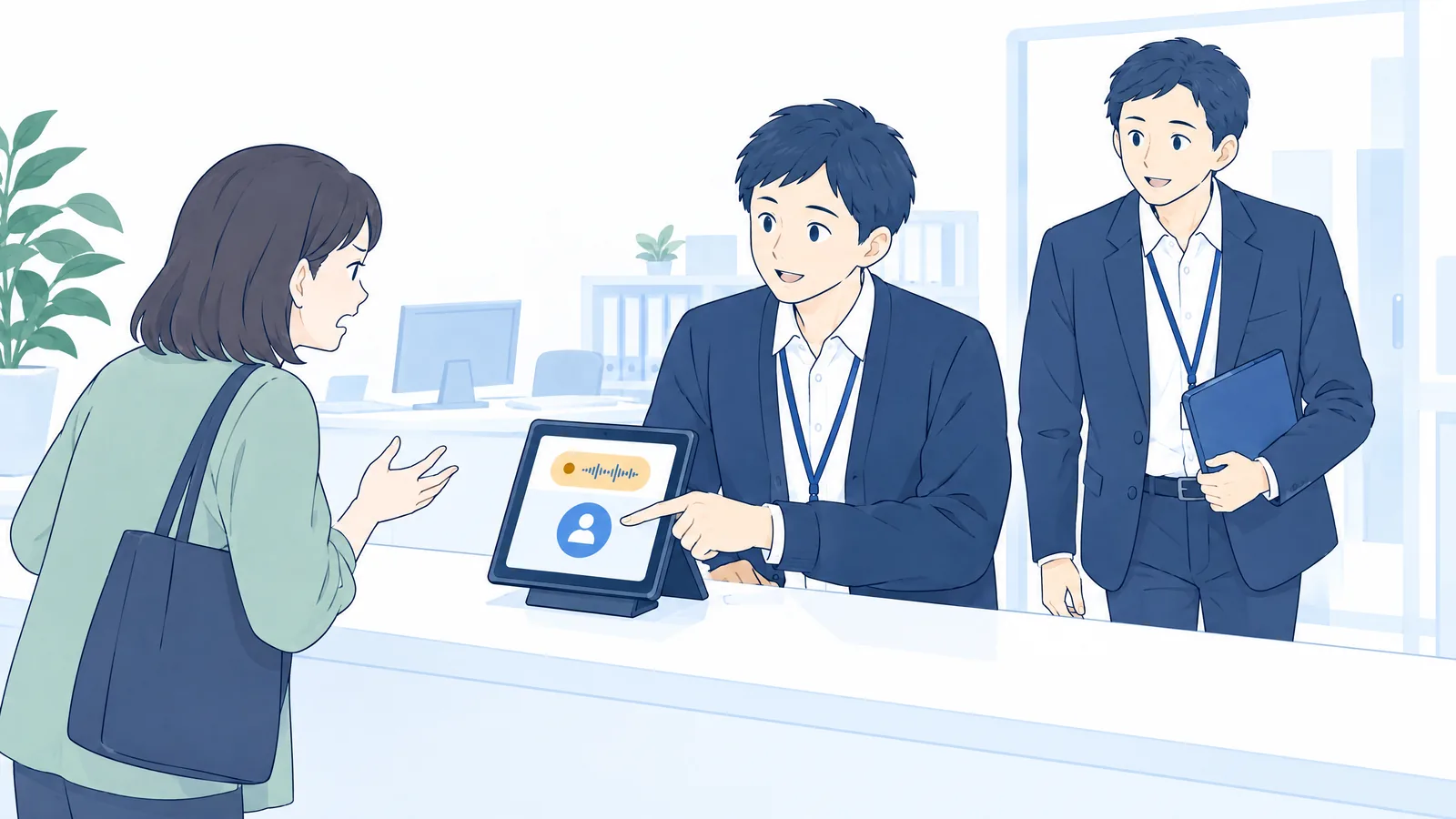
Designed to pick up early signs in voices and words and start recording, keeping the 30 seconds that led up to them. Saving continuous recordings is not part of the intended use.
Scripts for the first response, a warning, a second warning and ending the conversation. Based on what is being demanded and how, it offers a guide for deciding how to respond.
Supports calling a supervisor or the security office for backup and drafting the incident record. Designed to carry through from recording and reporting to aftercare.
Illustrations of intended use, still in development. Select a scene to switch the description. Actual app screens will differ.
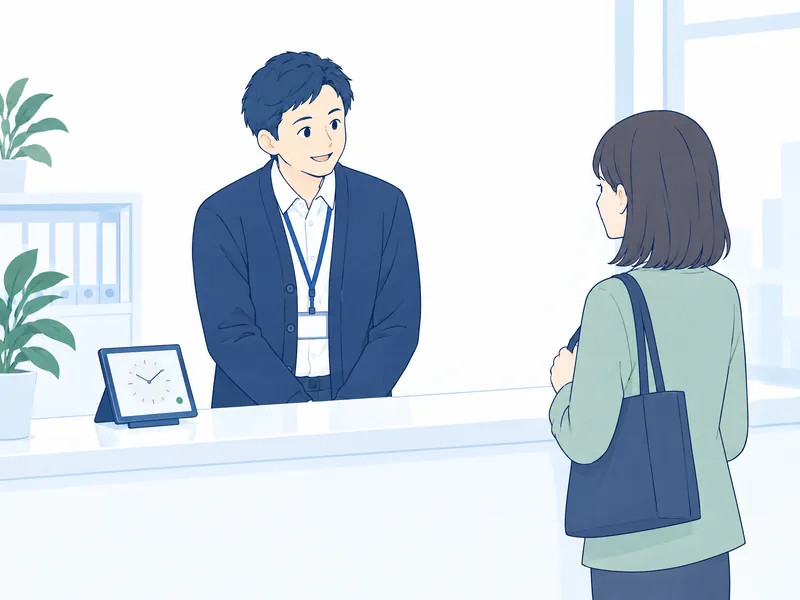
Guard: standbyWatching over the counter
Tap Start Guard on the device at the counter. On standby, the screen shows that it is running, and audio is handled in the device's temporary memory. It is designed not to save or send that audio.
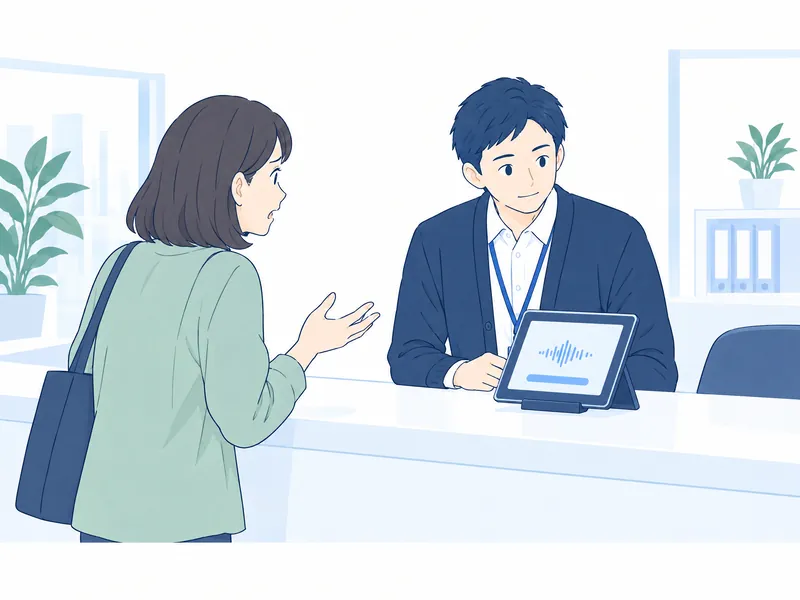
Guard: checkingReview the first response
When it picks up early signs, it starts recording, including the 30 seconds that led up to them. It shows a first-response script and a gauge of the situation so staff can think about what to do next.
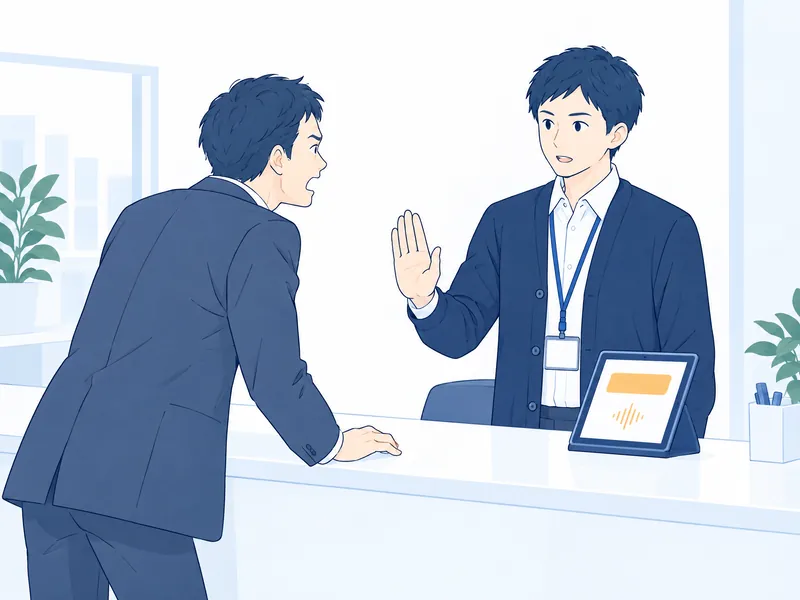
Guard: warningCheck the wording of the warning
Depending on the situation, it moves to the warning stage. Staff choose whether to give the warning themselves or use a recorded warning message, and the course of events is recorded.
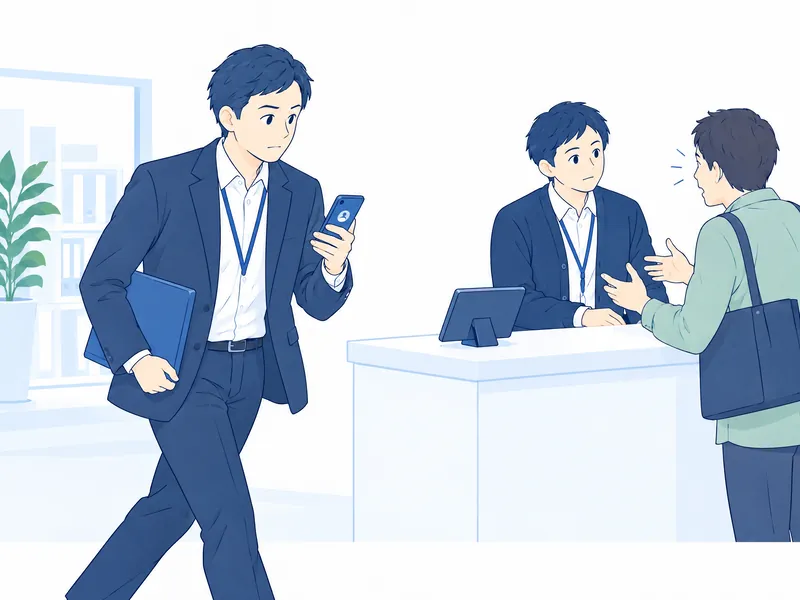
Guard: backup requestTo a supervisor or the security office
Requests backup from a registered supervisor or the security office. The design includes a way to cancel before the call goes out and a way to summon help at once when there is danger. It does not automatically call emergency numbers.
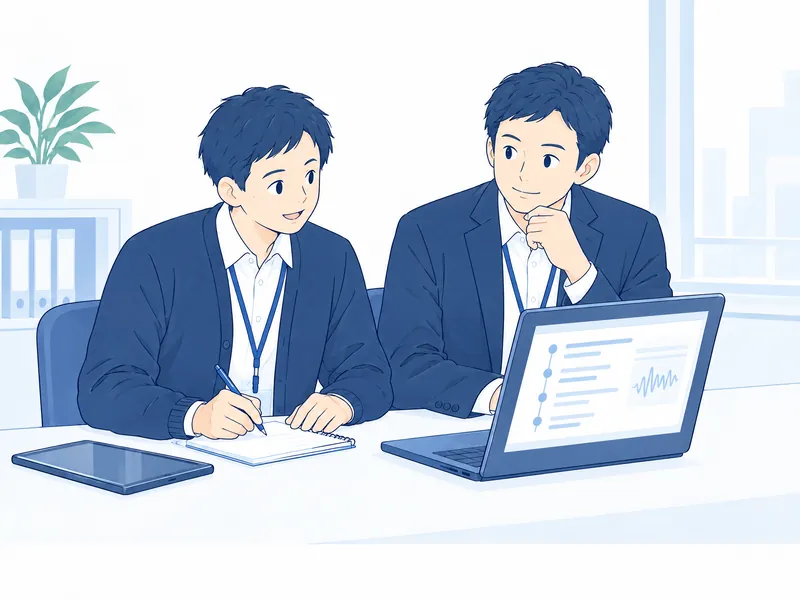
Guard: incident recordTurn what happened into a report
Drafts an incident record from the conversation and how it was handled. Staff check it and add details, then submit it to the internal consultation desk.

Guard: afterwardA break, and someone to talk to
Points staff to a break and to where they can get support. Caring for staff and adjusting their duties is done by the organization, including supervisors and the consultation desk.
Protecting staff, and taking customers' legitimate feedback seriously. With both in mind, the purpose of each record and how it is handled are made clear.
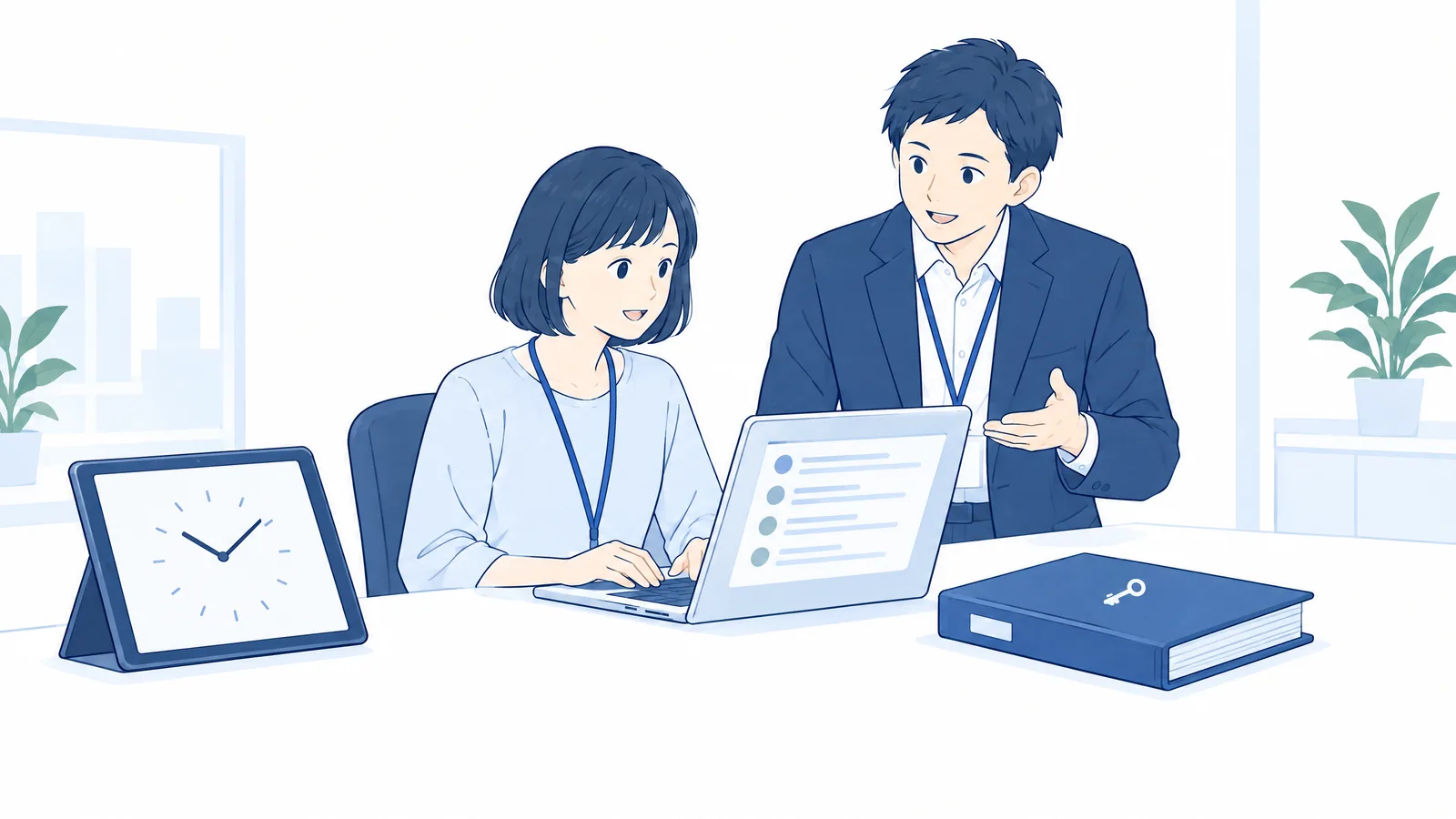
Decide how recording is announced, who can view records, how long they are kept and how consultations are handled, in line with your internal policies.
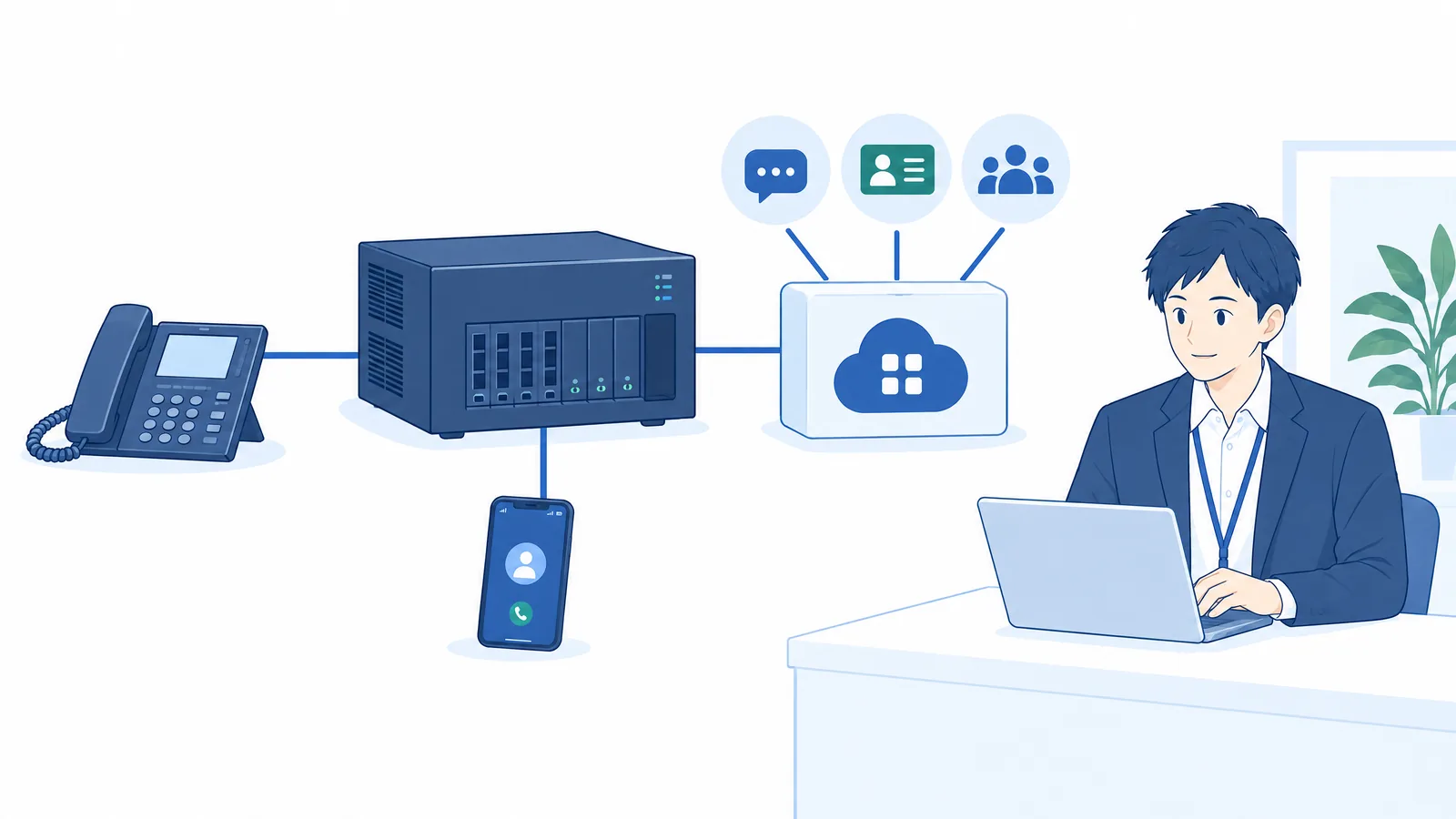
AGEphone Cowork is an AI calling platform that sits behind your existing PBX or cloud PBX, connected over standard SIP. Without replacing your phone service, it adds features such as call records, AI assistance and customer management.
Cloud operation is standard. Installation on your own servers can also be considered, to fit your information-management policy.
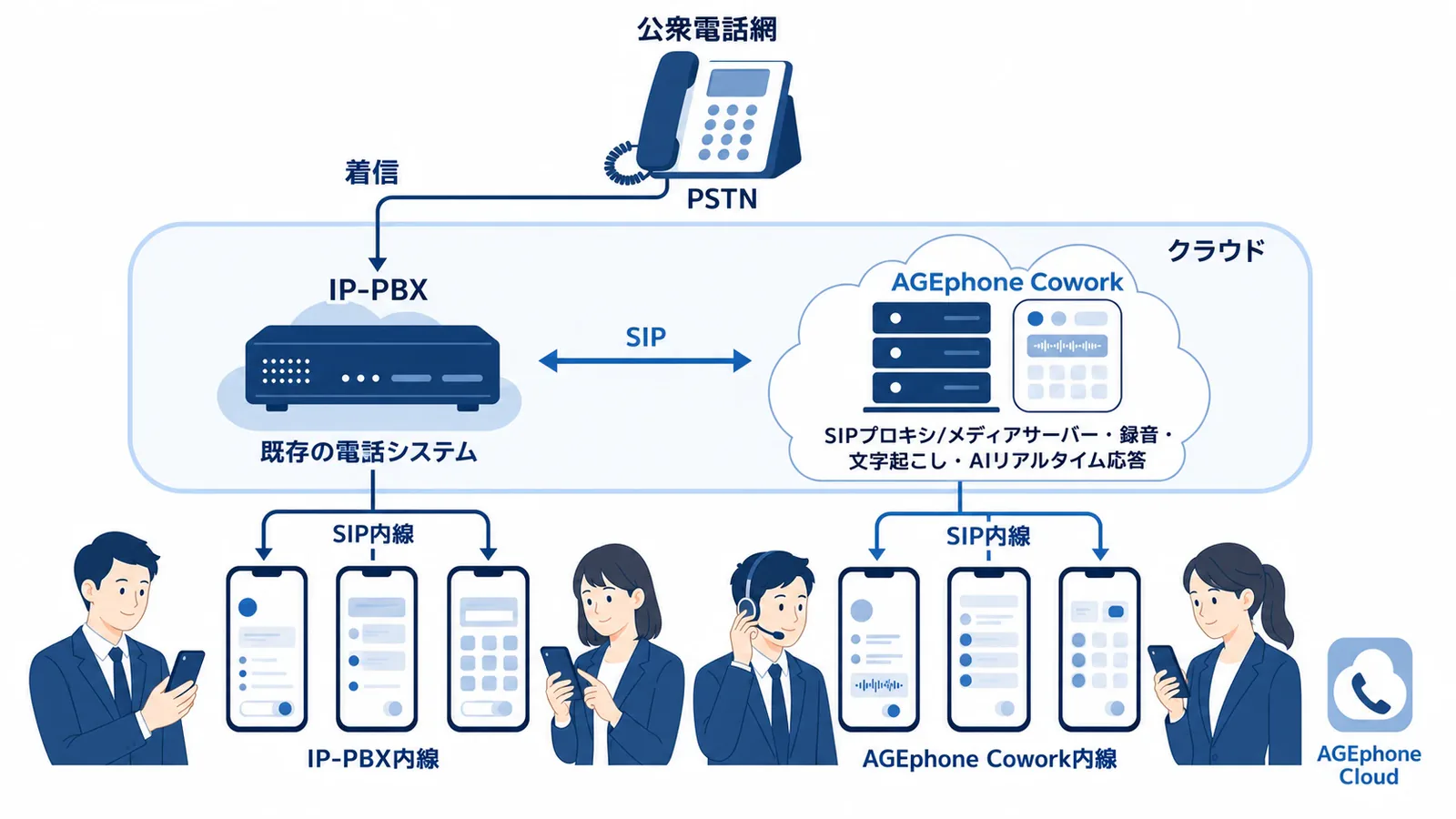
Transcription and summaries, draft daily reports and business documents, and AI call answering help with the work that follows a call.
Brings together customer details on incoming calls, customer management, and quotations, order confirmations and other documents.
All-site broadcasts, chimes and PTT keep stores and work sites in touch.
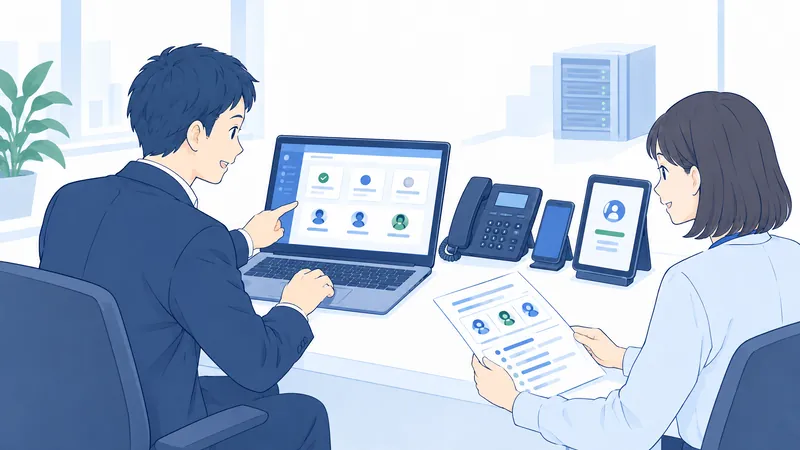
Configure extensions, groups, call transfer, IVR and more from a Japanese-language admin console.
With AGEphone Cloud, staff can use their company extension even when out of the office.
Role-based permissions, TLS and SRTP encryption, SSO/SAML, and backups.

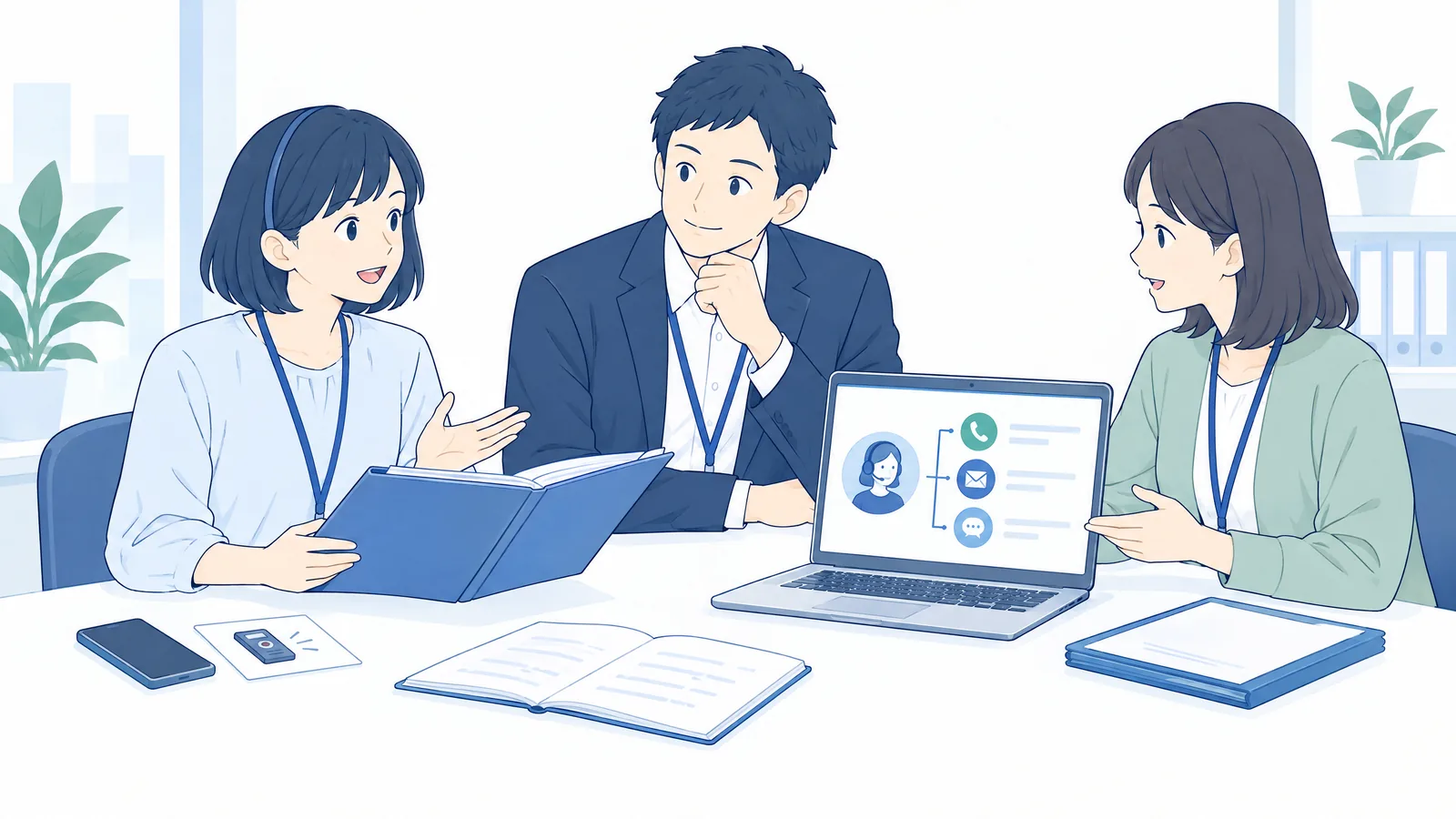
Conversations are recorded and put to use in customer follow-up and handovers. Writing reports after calls is supported too.

Brings phones, site broadcasts and staff messaging together. Support for face-to-face service is being explored in Counter Guard, which is in development.
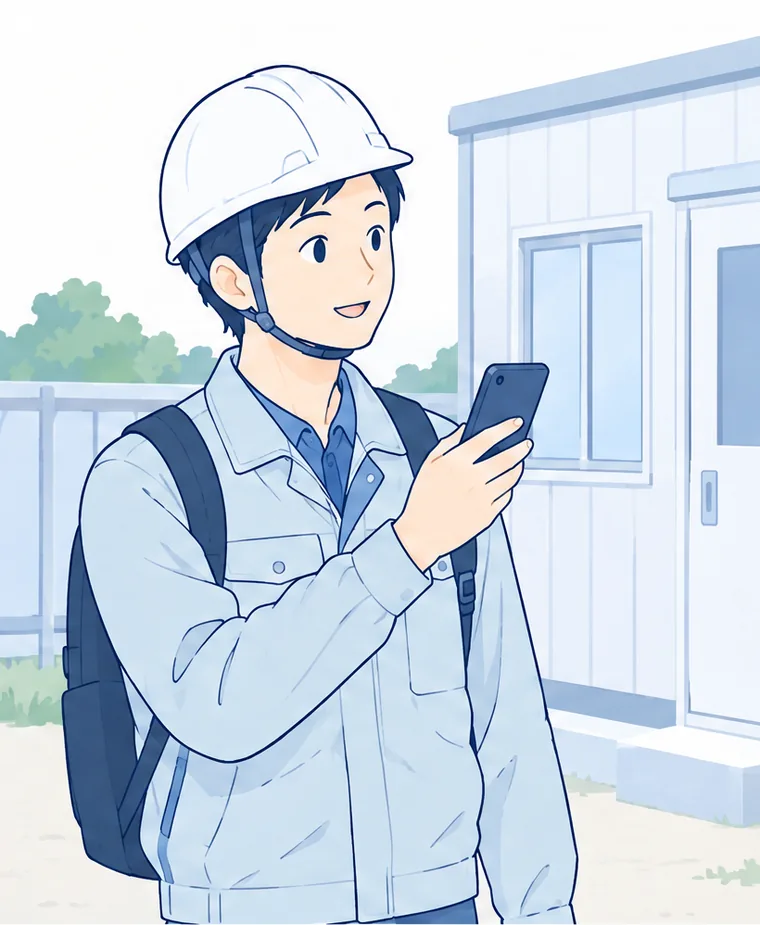
Smartphone extensions and push-to-talk keep people in touch wherever they are, and help share information between sites.
These are illustrative use cases, not customer case studies.
| Server OS | Ubuntu Server 24.04 LTS |
|---|---|
| Hosting | A cloud VPS (such as AWS Lightsail) is standard. Installation on your own servers is also supported |
| Admin console | A modern web browser such as Chrome, Edge or Safari |
| Phone endpoints | SIP desk phones and softphones, WebRTC clients, smartphones (with AGEphone Cloud) |
| Existing PBX integration | Connects over standard SIP. Compatibility and required settings are checked case by case |
| Counter Guard | In development for use on iPhone and iPad. Supported OS, recommended models and PBX integration requirements will be announced at release |
We review your current PBX, desk phones, extensions and sites, then decide which features to add. Whether you can keep your phone numbers and desk phones, and whether a SIP connection is possible, depends on your phone service and equipment, and we will advise you on both.
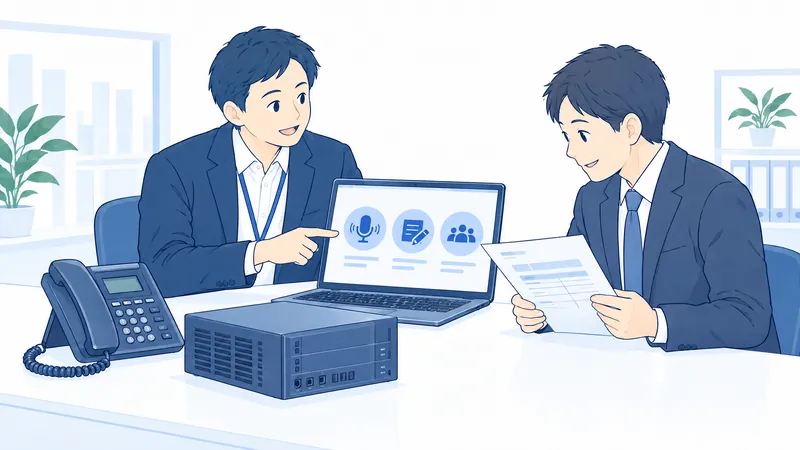
We learn how your phones and counters operate, what equipment you have and what your internal procedures are, then work out the features and setup you need together.
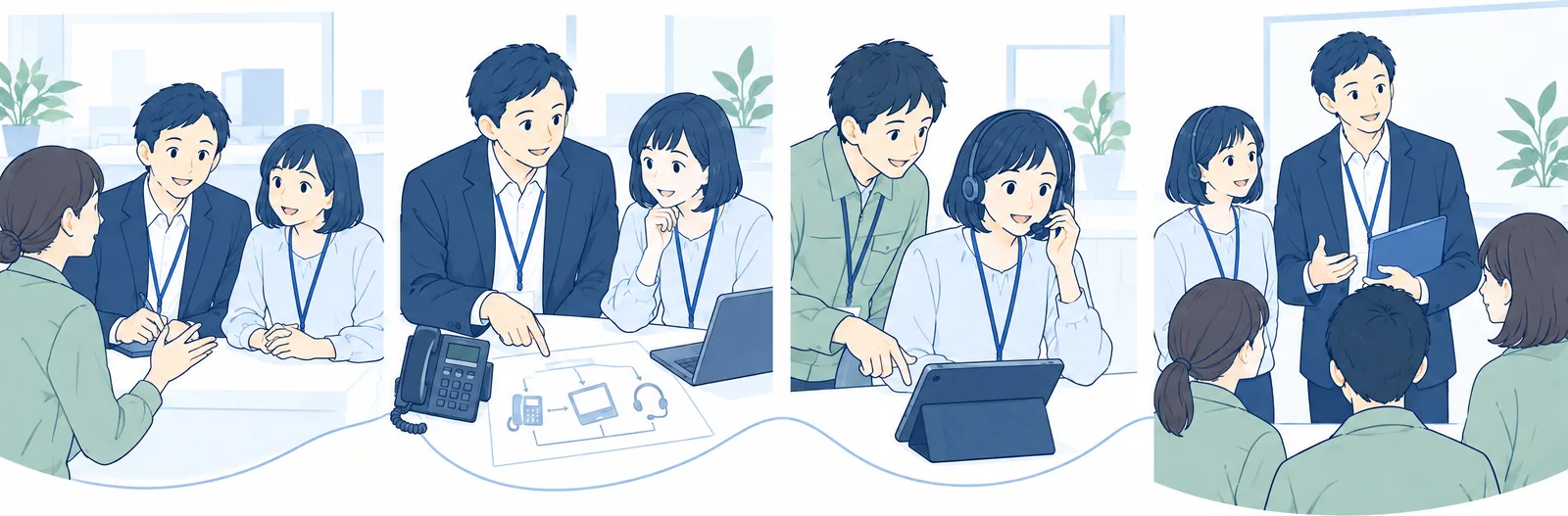
We look at problems on the phone and at the counter, the number of extensions, your sites, your existing PBX, and how consultation and backup are organized.
We explain SIP integration, devices, AI features, record handling and costs.
We configure connections, recording and permissions, and check that calls and response support fit the way you work.
We show staff and managers how to use it, and set up routines for records, consultations and debriefs.
We quote pricing, setup costs and maintenance and support terms based on the number of extensions, your sites, cloud or on-premises installation, and which AI features you use.
Please also ask us about Counter Guard's release timing and trial conditions.
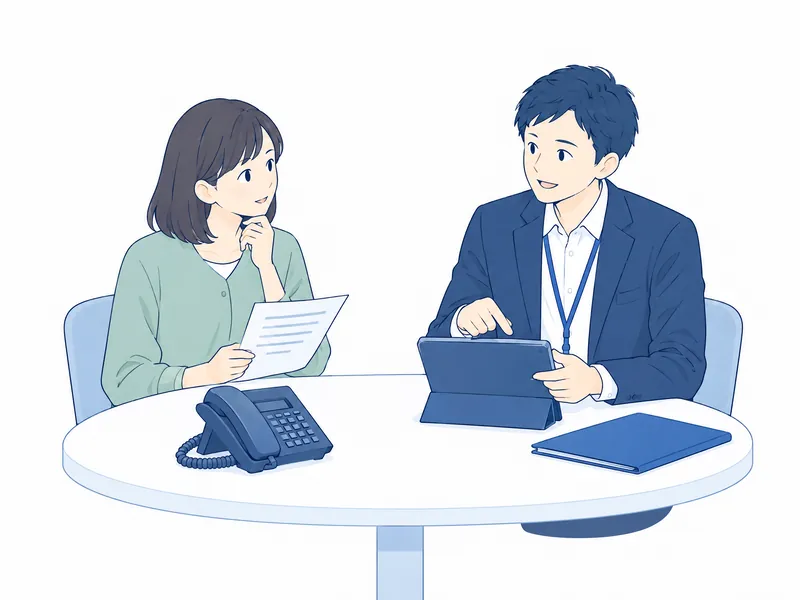
No. AGEphone Cowork is a tool that supports those measures on the front line. Setting and communicating a policy, setting up a consultation desk, caring for affected staff and preventing recurrence remain the employer's responsibility.
Counter Guard is in development. The video and illustrations on this page show features still being developed. Supported devices, release timing, PBX-side settings and trial availability will be explained when you consult us about a demo or deployment.
The AI only offers a guide for deciding how to respond. Legitimate opinions and requests are not treated as harassment across the board. The organization makes the final decision and response, taking into account what was demanded and how, the background and the circumstances of the business.
Define why you record and how recordings are handled, then let customers know in a way that suits your operations, such as a notice at the counter or an announcement on the phone line. How to announce it and how to handle records should be decided together with your internal policies and rules.
Counter Guard, which is in development, is designed to handle audio on standby in the device's temporary memory without saving or sending it. It is intended to switch to recording when it picks up early signs. The final conditions for saving and sending will be announced at release. This is separate from call recording on the phone system.
No. AGEphone Cowork sits behind your existing PBX, connected over standard SIP, so a setup that keeps your outside lines and existing extensions can be considered. Whether it can connect and which settings are needed are checked against your PBX and phone service.
Call recordings and transcripts are stored on a server you manage. You can set how long recordings are kept, automatic deletion and role-based viewing permissions. How data is handled when AI services are connected is reviewed according to the features and services you use.
For phones, you can use SIP desk phones and softphones, WebRTC clients, and smartphones with AGEphone Cloud. Counter Guard is being developed for use on iPhone and iPad. Pricing, setup costs and maintenance terms are quoted individually based on the number of extensions, your setup and the features you use.
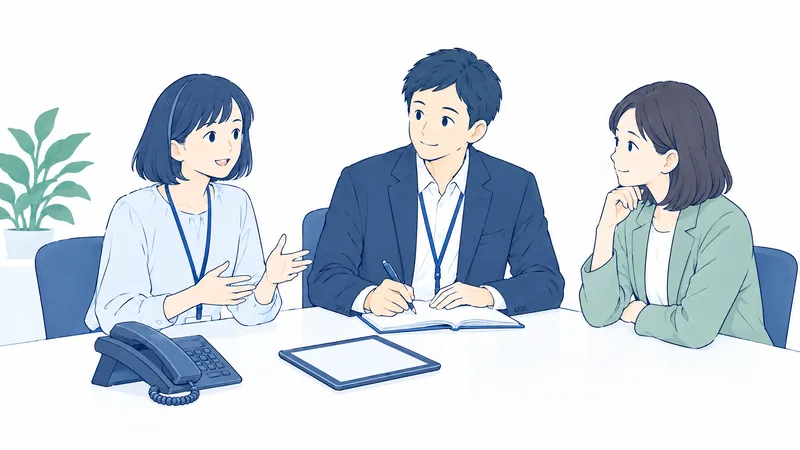
We will work with you on procedures that support your staff and on a way of using the system that fits your workplace.
Ask us about connecting to your existing PBX, documentation, a demo or a quote.
In the contact form, write "AGEphone Cowork" and tell us which documentation, demo or consultation you would like.
The description of the legal framework is based on materials published by Japan's Ministry of Health, Labour and Welfare as of 2 October 2026. For the specific measures required, refer to the Ministry's guidelines.
Counter Guard is in development. Screens, specifications and release timing may change. Using the AI features requires API configuration for the corresponding services, among other setup.
The illustrations on this page show intended use. They do not depict actual product screens or customer deployments.
AGEphone and AGEphone Cloud are products and services of ageet. Other product names are trademarks or registered trademarks of their respective owners.